Ecological Units Layer
QGIS Data pre-processing steps
Open the land-cover and soil grids data on qgis
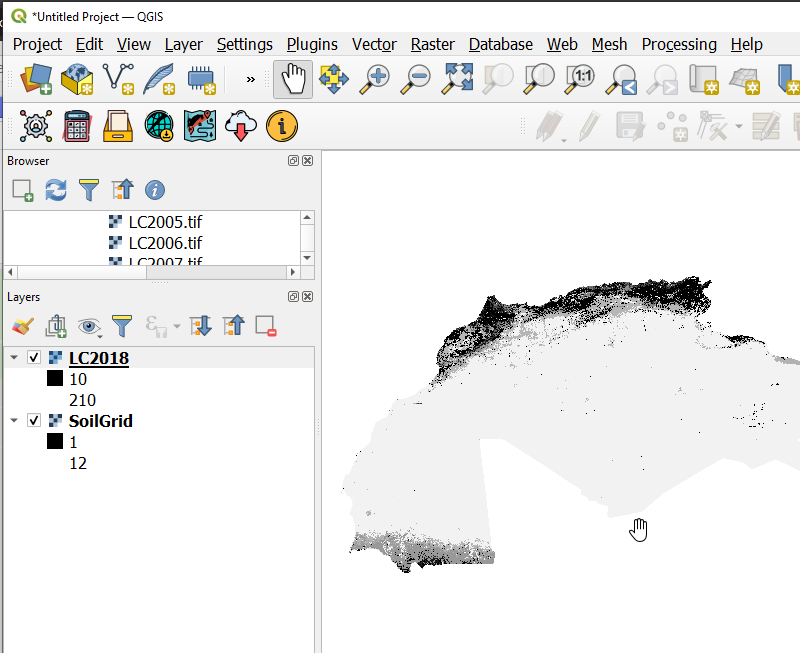
Loading the Landcover and Soil Grids on Qgis
On the processing tool box, search for the EcologicalUnitsModel which will appear under Models>**Land Productivity Models**
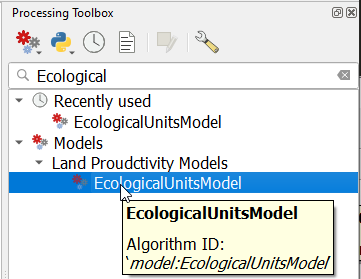
Finding the Ecological Unit Model
On the dialog that pops up, select the Landcover and the soil grid data as the input data and run the model

Ecological Unit Model dialog
Note

Ecological Unit Model summary
It is important that the dimenssions of the Landcover data and the soil grids data are matching. This can be checked by right clicking on the layer and navigating to properties>*Information*.
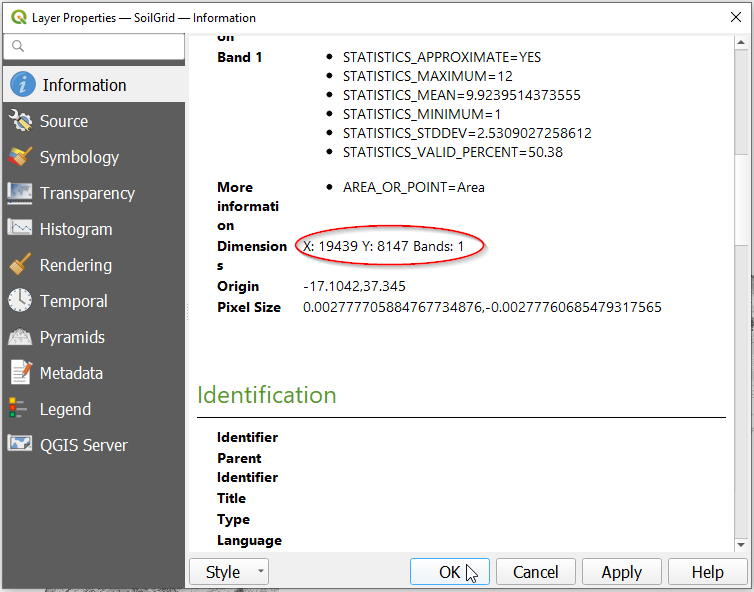
Checking the dimenssions of the datasets
To match the dimensions of the two layers you can resample the soil grids to match the resolution of the Landcover data.
On runing the model successfully the units layer will be loaded onto Qgis as shown below
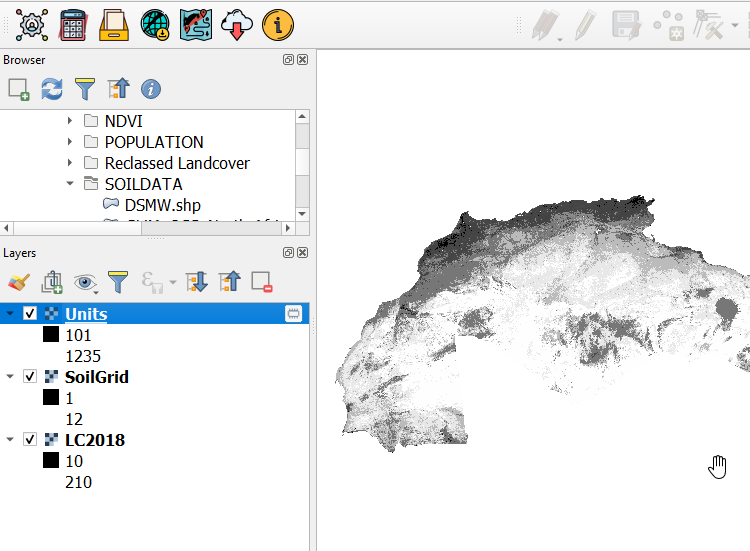
Ecological Unit Model output
You can save the output from the Model to your desired location with the appropriate name
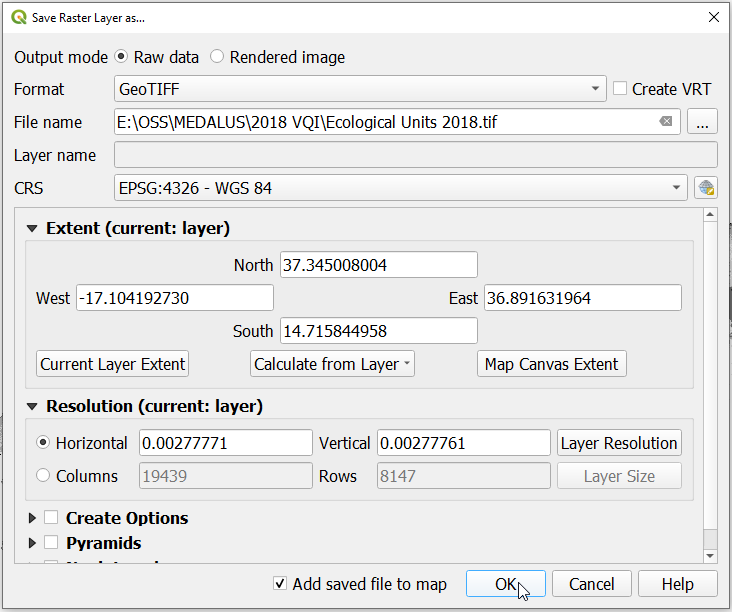
Saving the output
Uploading the Ecological Units to MISLAND Service
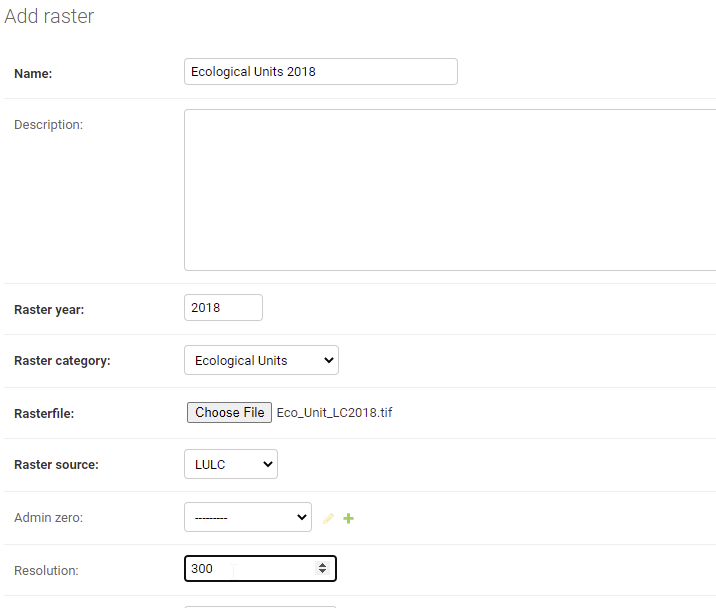
Data Upload Form